Make space for the work ahead.
Help people find a suitable room or shared resource while giving workplace teams clear booking policies and a visible way to handle changes.
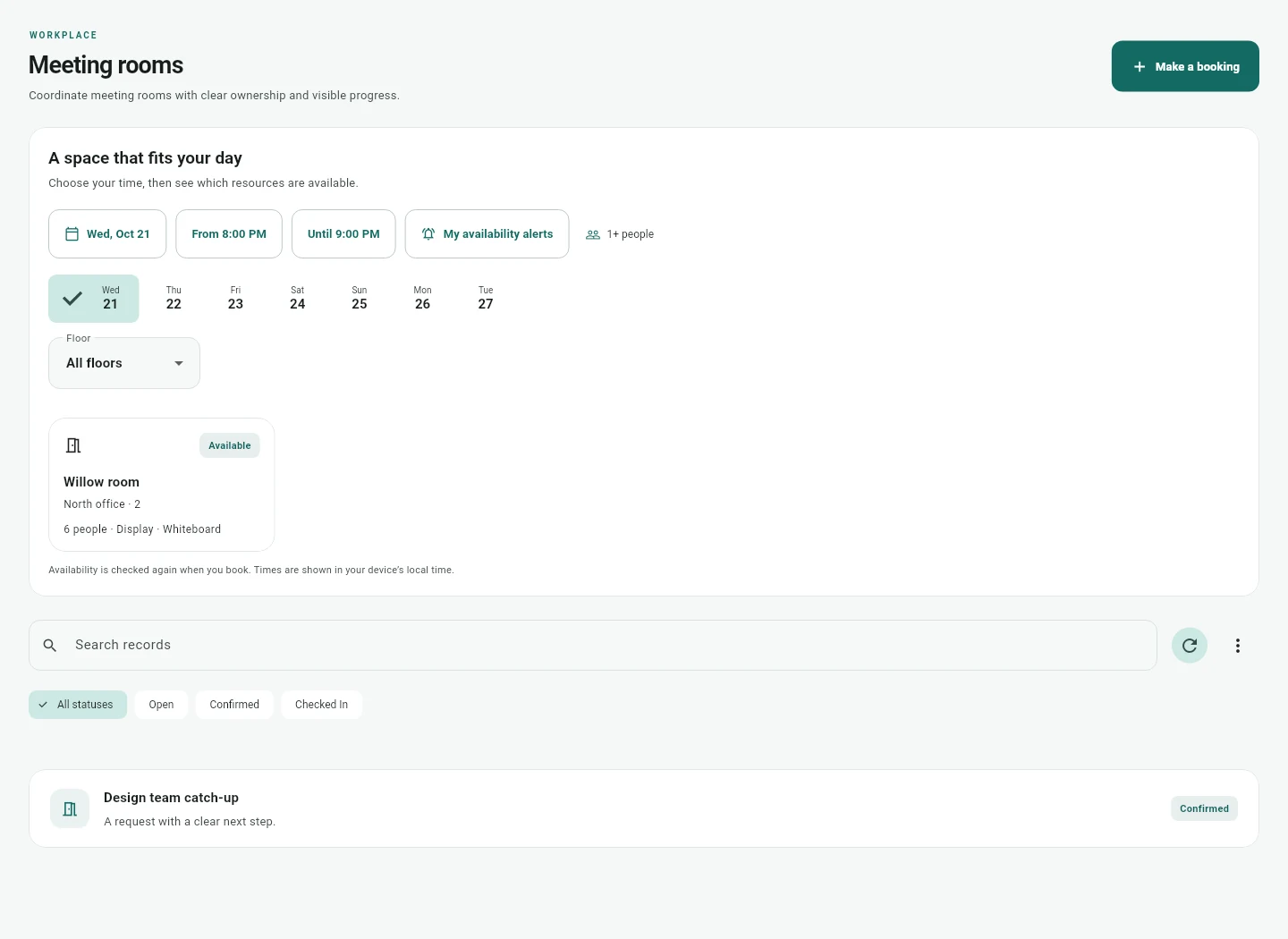
Find the right resource
Use site, floor, capacity and amenities to describe your rooms and shared resources. Employees can review availability for the intended time. Native reservation checks prevent conflicting reservations from being accepted in the application's database.
Connect the right calendar
Map each selected resource to the intended Google or Microsoft calendar. Verify a completed busy time snapshot and its freshness. A saved provider authorization alone does not establish the resource mapping or prove that a room mailbox accepted an external booking.
Keep external outcomes visible
Native reservations and external calendar publications have separate states. Publishing an occurrence is an explicit confirmed action. Uncertain external writes retain the appropriate caution until an operator reconciles the provider result. Native conflict checks cannot eliminate every race with changes made directly in another system.
Account for the practical details
Set the resource's policy, including setup or cleanup buffers where appropriate. Check local time zones, recurring occurrences, cancellations and stale availability during acceptance. Any optional no show release behavior must be explained before employees accept it.
Handle changes as work
A room issue can make a resource unavailable and affect bookings. Meeting changes can flag linked visitor or service arrangements for reconfirmation. The people responsible can review the next action rather than assuming that every dependent arrangement changed automatically.
Validate with a small site
Choose a bounded set of rooms and representative users. Check overlap, calendar permissions, mailbox behavior, cancellation and recovery after provider failure. A successful pilot confirms the actual room setup before a wider rollout.
Plan your next step
Tell us about the workflow and systems involved. We will review the fit before proposing a pilot.
Plan your pilot