What to take into your next decision
- Link arrangements to the intended meeting occurrence.
- Separate a native booking from calendar publication and mailbox acceptance.
- Reconfirm changed commitments before fulfilling them.
Record the meeting and its dependent arrangements
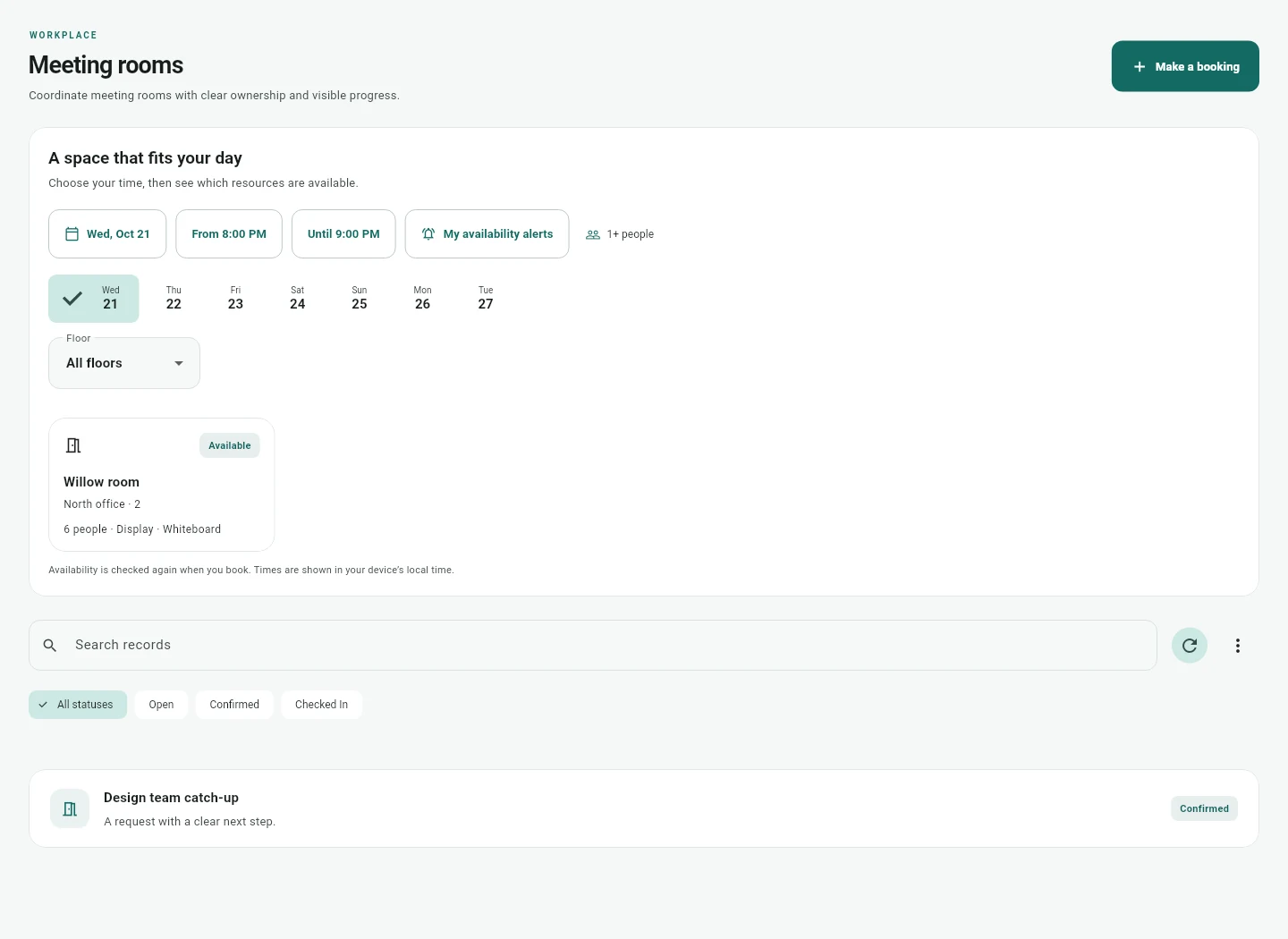
Start with a room that has suitable capacity, equipment and availability. Record the selected time zone, attendee times and relevant policy. Where needed, configure setup and cleanup buffers so the space is protected before and after the meeting without changing the attendee schedule.
Then identify the guest and service work around it. Atria can link visitor records and AV, catering, setup or cleanup requests to a native meeting occurrence. These are separate commitments with their own operators and states. A purchase approval is also separate; requesting catering does not authorize spending or place a supplier order.
- Room, capacity, equipment and time zone are checked.
- Guest host and intended occurrence are clear.
- Each service has an operator and readiness condition.
- Spending authority and any external supplier order are handled separately.
Understand the three calendar states
A native Atria reservation protects the resource in its booking ledger. Publishing an external calendar event is another operation. The resource mailbox accepting that event is a further outcome. Treating these as the same state can create false confidence about a room.
The Google or Microsoft calendar bridge uses configured mappings, bounded busy time snapshots and explicit publication, reconciliation and cancellation. The customer account, permissions, mailbox behavior and conflict scenarios must be validated. A fresh native conflict check cannot atomically prevent a different external calendar writer from acting at the same time.
| State | What it establishes | What it does not establish |
|---|---|---|
| Native reservation | An accepted hold in Atria’s ledger | Automatic acceptance by every external calendar |
| External publication | The provider event outcome or reconciliation state | Resource mailbox acceptance |
| Mailbox response | The observed provider resource response | Completion of visitor, catering or AV work |
Make a late change an explicit workflow
Fictional example: an organizer changes a recurring workshop to a different room for one date. Reception has already prepared the guests and an AV operator has accepted setup. The change should preserve the other occurrences while drawing attention to the affected commitments.
In Atria, material changes to the linked meeting flag outstanding visitor and service arrangements for reconfirmation. Their next operational action requires explicit review or cancellation. This preserves a meaningful distinction between a changed plan and a fulfilled service. It does not automatically recall a supplier, calculate a cancellation fee or send a legal notice.
Plan for an unavailable resource
A facilities issue may make a room unusable after a booking exists. An authorized operator can mark the resource unavailable, prevent new reservations and alert affected bookers. The existing reservation should remain visible so the organizer can decide what to do.
Atria does not silently move or duplicate the meeting. The organizer and operators must review room choice, calendar publication and dependent arrangements. When the fault is repaired, resolution evidence and resource restoration are separate checks. Keeping these actions explicit helps prevent a calendar that appears correct while the room is still unsuitable.
Use a meeting acceptance checklist
Test a normal booking, a one occurrence change, a cancellation, an unavailable room and an uncertain calendar write. Include the actual reception and service operators in the pilot. Their readiness matters as much as the organizer’s ability to click a booking button.
Measure repeated entry, missed reconfirmations, preparation effort and verified readiness. These observations can reveal a coordination benefit, but they are not guaranteed savings. If a visitor kiosk, badge printer, access controller or specialist catering integration is required, keep it in the scope and cost model.
- A change affects the intended occurrence only.
- The right outstanding arrangements are flagged.
- Operators cannot fulfill an arrangement still awaiting reconfirmation.
- Uncertain external calendar states remain visible.
- Room restoration and service completion have evidence.
Questions and answers
Does Atria automatically order catering?
No. It coordinates service requests and readiness. Supplier ordering, purchase approval and billing remain separate authorized workflows.
Can reception see that a meeting changed?
Linked outstanding visitor arrangements are flagged for reconfirmation after material native meeting changes. The pilot should verify the receiving operator’s view and permissions.
Does this require replacing our calendar?
No. A defined bridge can work with configured Google or Microsoft accounts. Supported operations and actual mailbox behavior must be validated; universal automatic synchronization is not implied.
Sources and product scope
Prepared from Atria’s implemented workflows and the linked product scope. Examples are illustrative; customer outcomes need their own pilot evidence. Published vendor prices, where used, were reviewed October 25, 2026 and need a current quote before procurement.