Your business services.
Connected workflows.
Bring employee services, purchasing, equipment, knowledge and operations into a shared process across HR, IT, finance and service teams. Explore the native modules and the platform that connects the work.
Plan your pilot24 implemented modules · 18 provider adapters · 69 explicit operations
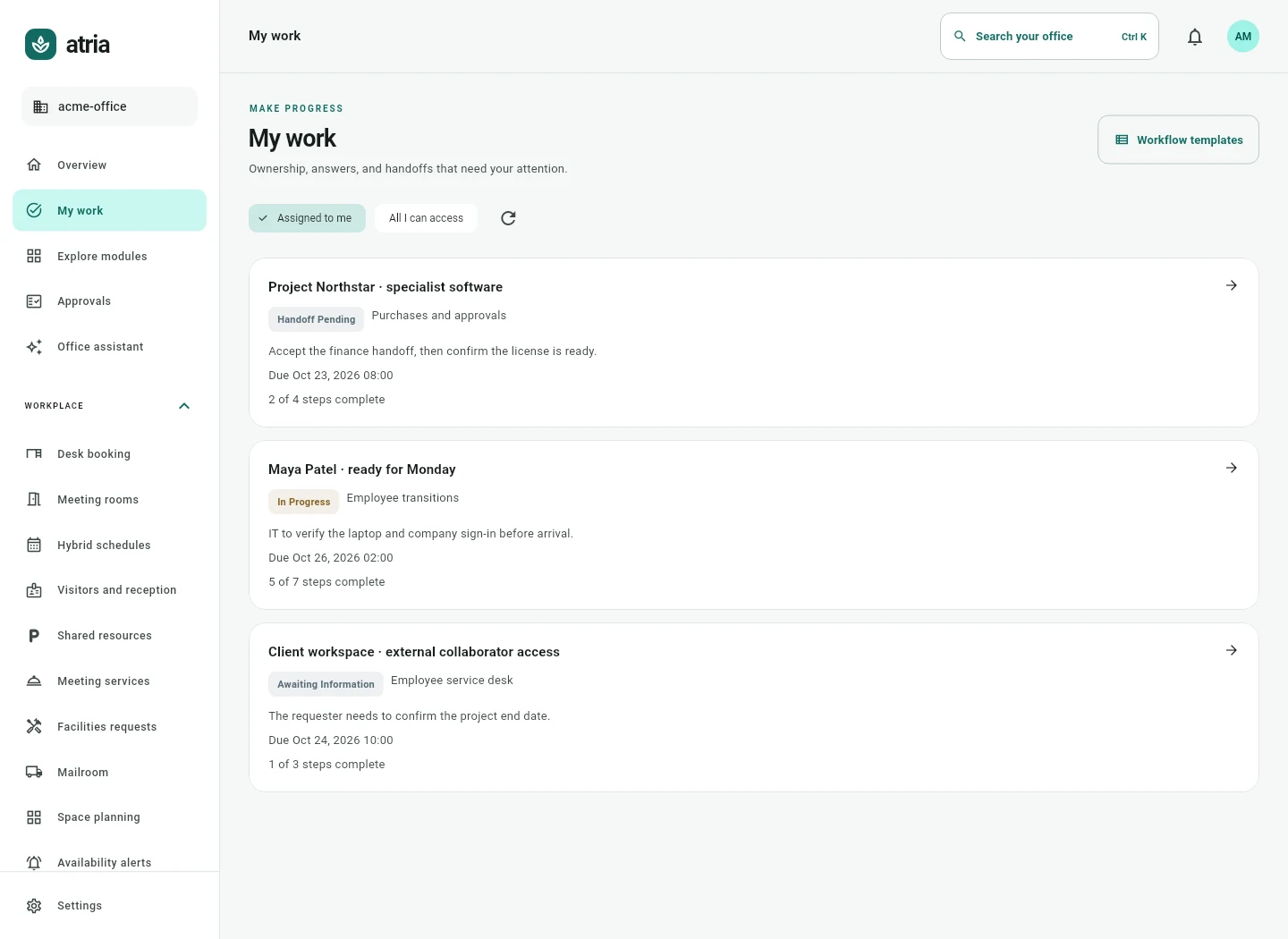
Six areas.
A shared way to work.
Explore what employees and operators can do, the handoffs involved and the evidence that closes each workflow. Each product area also explains where a specialist system remains necessary.
Employee and IT services
Give HR, IT, workplace teams and employees a shared way to follow work across handoffs.
- Employee service desk
- Employee transitions
- Software and access
- Private employee cases
- People and ownership
Purchases and operations
Bring requests, owners, renewal deadlines and fulfillment records into one operating pattern.
- Purchases and approvals
- Vendors and renewals
- Software and licenses
- Expenses and travel
- Tasks and operational projects
Knowledge and people
Keep guidance, responses and accountable follow up close to the work they support.
Explore this areaFacilities and equipment
Connect the reported issue to the resource and the people who need the outcome.
Explore this areaVisitors and meeting services
Keep guest arrivals, meeting preparation and package collection out of disconnected logs.
Explore this areaWorkplace booking
Bring office plans, reservations and resource availability into one employee experience.
Explore this areaSee the owner.
Follow the next action.
Atria connects intake, ordered decisions, accepted departmental handoffs and completion evidence. A defined pilot checks that complete path with your team and supported systems.
Follow an employee service case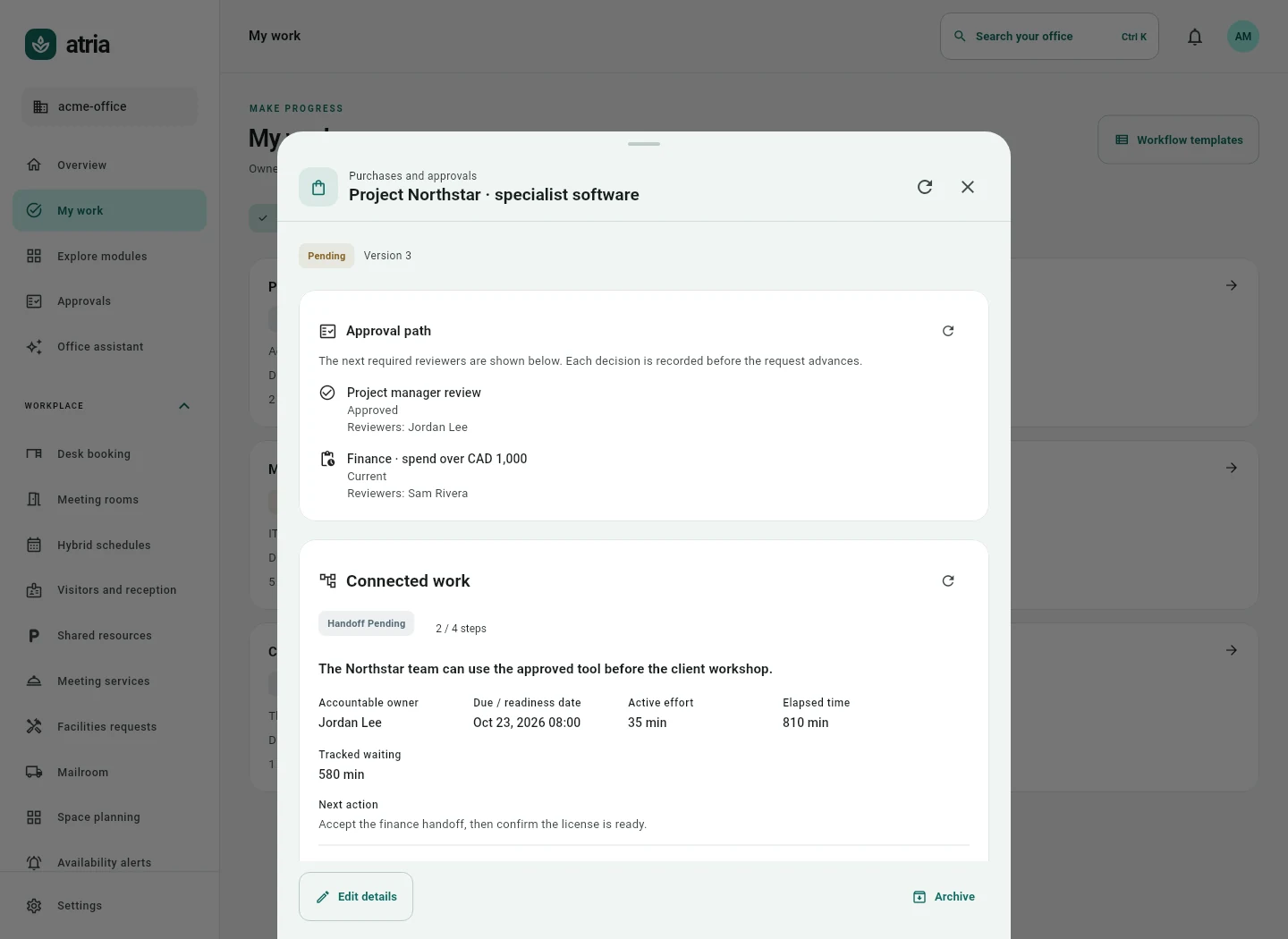
Give every handoff an owner.
Give completion its evidence.
Know what you get.
Know what to verify.
What does Atria Office offer?
Atria connects internal business work across HR, IT, finance and operations. Its 24 native modules cover employee services, access, equipment, purchasing, vendors, licenses, knowledge, projects, facilities and workplace services. Shared cases connect ownership, decisions, handoffs and completion evidence.
Do we need to activate all 24 modules?
No. Choose a defined workflow and pilot group. Agree the modules, users, supported operations, configuration, infrastructure and support that make that workflow useful.
Can we keep our existing systems?
Yes. Start by recording existing tools and data authority. Keep specialist systems when their required functions remain necessary, and validate each supported connection rather than assuming every system synchronizes.
What makes the modules work together?
Shared identity and permissions, work cases, next actions, accepted handoffs, approval governance, audit history, evidence, notifications and explicit provider operations provide a common operating pattern.
What is outside the product scope?
Atria does not replace every HRIS, payroll, bank payment, ERP, MDM, physical access, industrial control or advanced maintenance function. Each product area explains its implemented scope and replacement boundaries.
How do we get a price and a working pilot?
Describe one process, the people involved and your current tools. Robopioneer checks fit, agrees a scoped quote and validates the required accounts, permissions, deployment and acceptance cases before live rollout.