Keep work moving.
Connect your teams.
For Canadian corporate, professional and investment company teams whose employee requests cross workplace, IT, HR and finance. Give those requests a shared owner, decision path and completion record.
Plan your pilotStart with one administrative workflow and a named process owner.
Connect the people.
Follow the work.
An employee joining a client project may need software access, equipment, a suitable place to work and an approved purchase. Those needs often involve different operators and different authoritative systems. Atria provides the coordination layer: a place to ask, staged work, accepted handoffs and evidence of the outcome. Start with the administrative workflow your team can define and test, while retaining the specialist systems the business relies on.
Prepare a colleague for project work
Coordinate a transition checklist, a software request and equipment handoff. Keep the HR event and actual provisioning authority explicit.
Host a client workshop
Reserve an appropriate room, link guests and AV or setup requests, and reconfirm those arrangements if the meeting changes.
Review an internal purchase
Capture purpose, amount, currency and cost center. Track the configured decisions, external order reference and receipt separately.
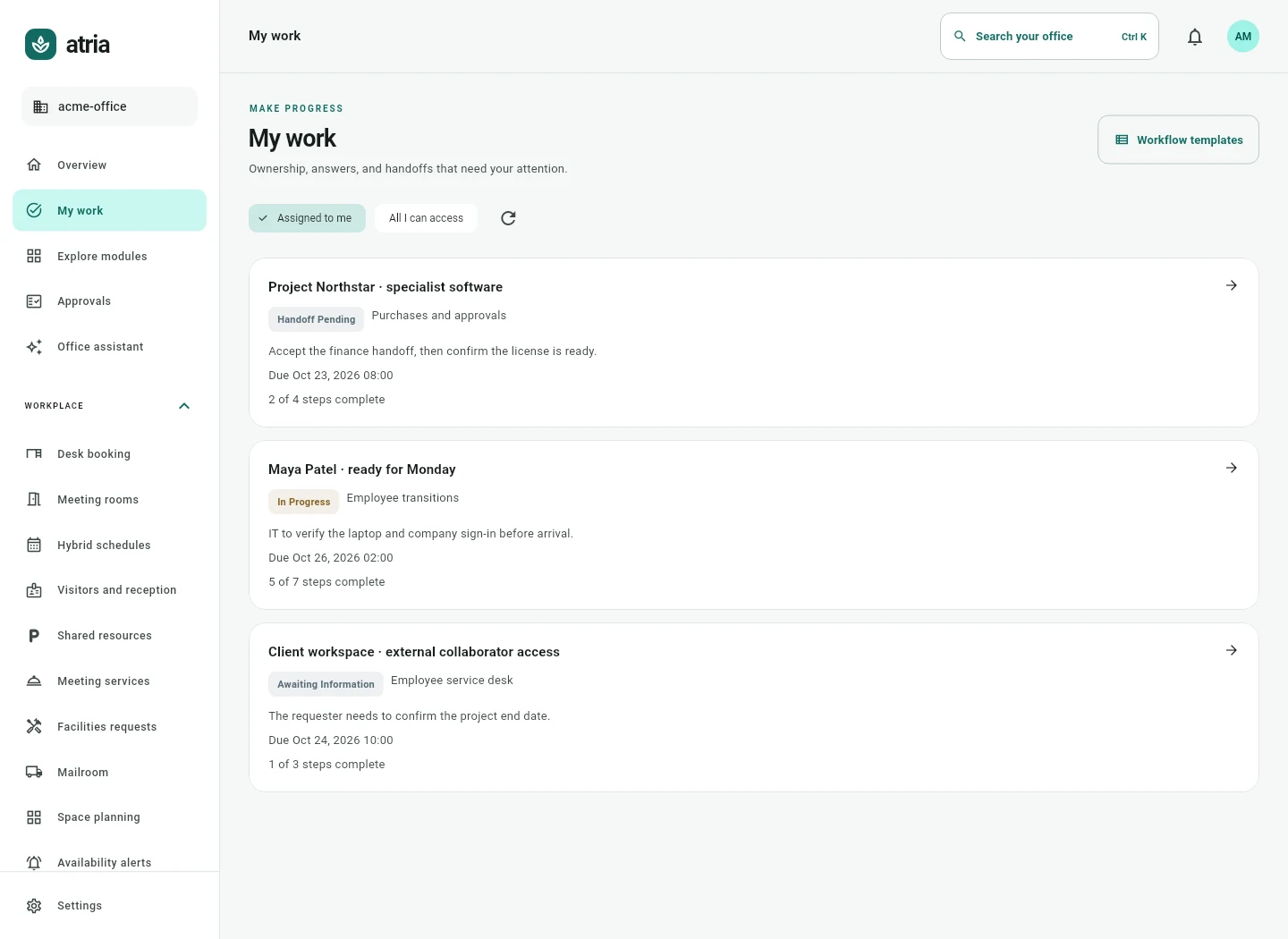
Fictional pilot scenario: a project coordinator is preparing a colleague to join a client engagement. HR confirms the employment event in its own system. IT reviews a project access request, workplace staff coordinate the first office day, and an operator records equipment custody. The coordinator follows the shared work case instead of assembling completion evidence from separate email threads.
Give shared work an owner.
Let the verified outcome decide.
Start with the scope
your team needs.
- Employee transitions
- Software and access
- Assets and equipment
- Meeting rooms
- Visitors and reception
- Meeting services
- Purchases and approvals
- Tasks and operational projects
Keep specialist systems authoritative.
Atria supports internal employee and workplace coordination. It does not replace trading, investment portfolio, client accounting, document governance, regulated recordkeeping or specialist compliance systems. Agree permitted data, deployment controls and customer terms before live use.
Bring the process.
Bring its owners.
Use a sanitized example and the actual system inventory. Agree scope, price, deployment and acceptance before live setup.
Use the preparation guide- One employee or project access workflow and a named sponsor.
- The HR, identity, calendar and service systems involved, including editions and administrators.
- Sanitized examples, review rules, accepted handoffs and required completion evidence.
- Baseline effort, exception cases and an agreed acceptance decision.
A fit review
for your business.
Which corporate teams is Atria designed to help?
Workplace, IT, HR and operations teams handling internal employee requests, office resources and operational approvals. Fit depends on the workflow and supported operations, rather than the company sector alone.
Can an investment company use Atria?
It can evaluate Atria for internal administrative workflows such as employee access requests, equipment, meeting services and purchases. Trading, portfolio and regulated client systems remain outside that scope.
Can we retain Microsoft 365 and our HR system?
Yes. The discovery process records existing licenses, data authority and the exact operations needed. The customer administrator authorizes and verifies each supported connection.
Does onboarding automatically create every account?
No. Transition tasks coordinate the work. External account actions require an authorized operator or a specifically supported operation, followed by evidence and verification.
What information should we share initially?
Share a sanitized process example, the system names and editions, the people involved and the desired outcome. Leave out credentials, employee files and confidential client information.
How do we start?
Prepare a pilot inquiry with one workflow and your current tools. Robopioneer confirms fit and agrees scope, pricing, deployment and acceptance checks before live setup.